Plug it in. Settle in.
Open Start AI on the drive. Your private chat space opens in your browser. No installer or sign-up.
 Pocket AI.Meet your AI
 A little drive with a world of possibilities. Plug in, open your AI, and make something of your ideas. Then take it all with you.
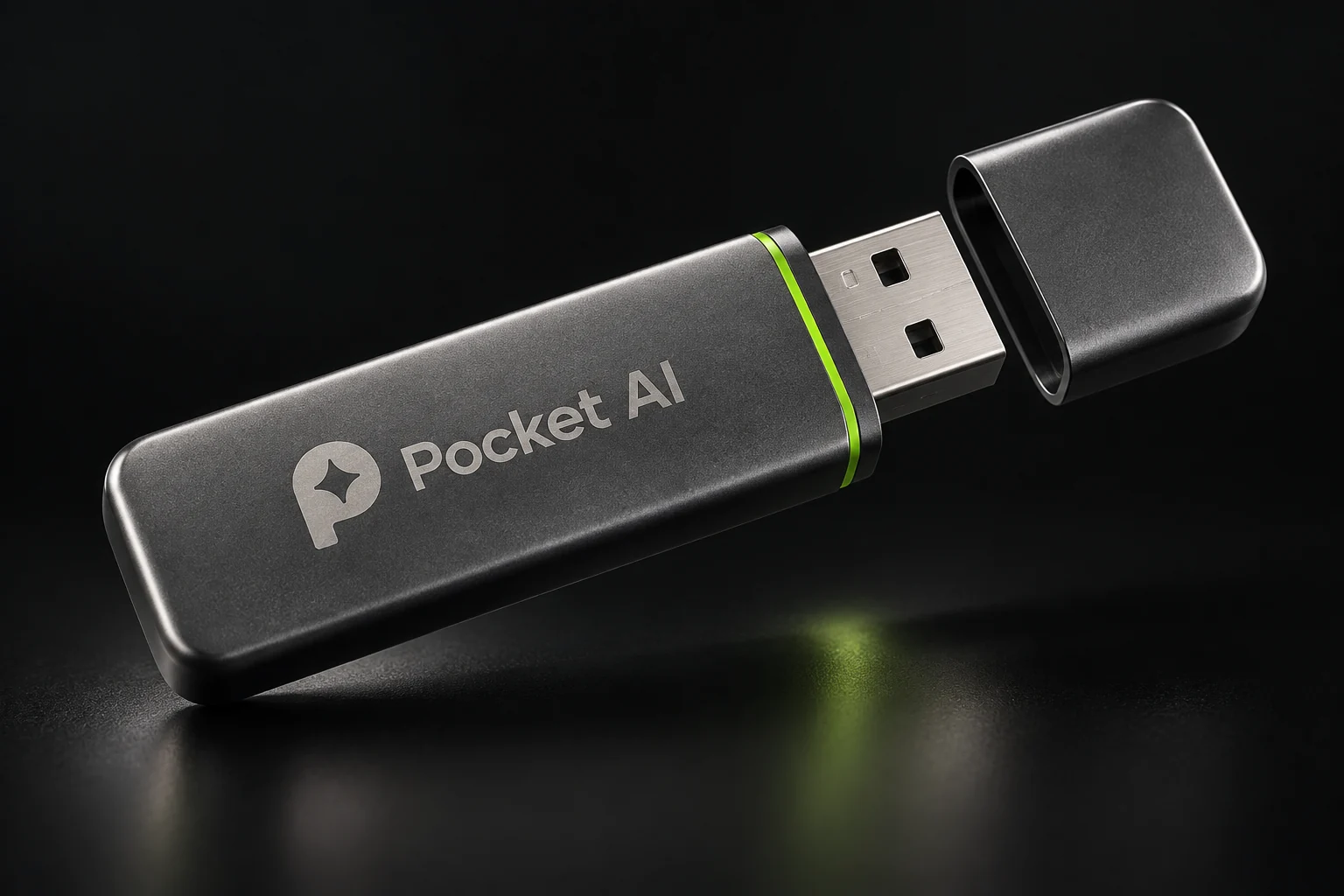
Your AI runs on the computer you plug into. Your saved conversations travel on the drive. A familiar chat window, without another account to remember.
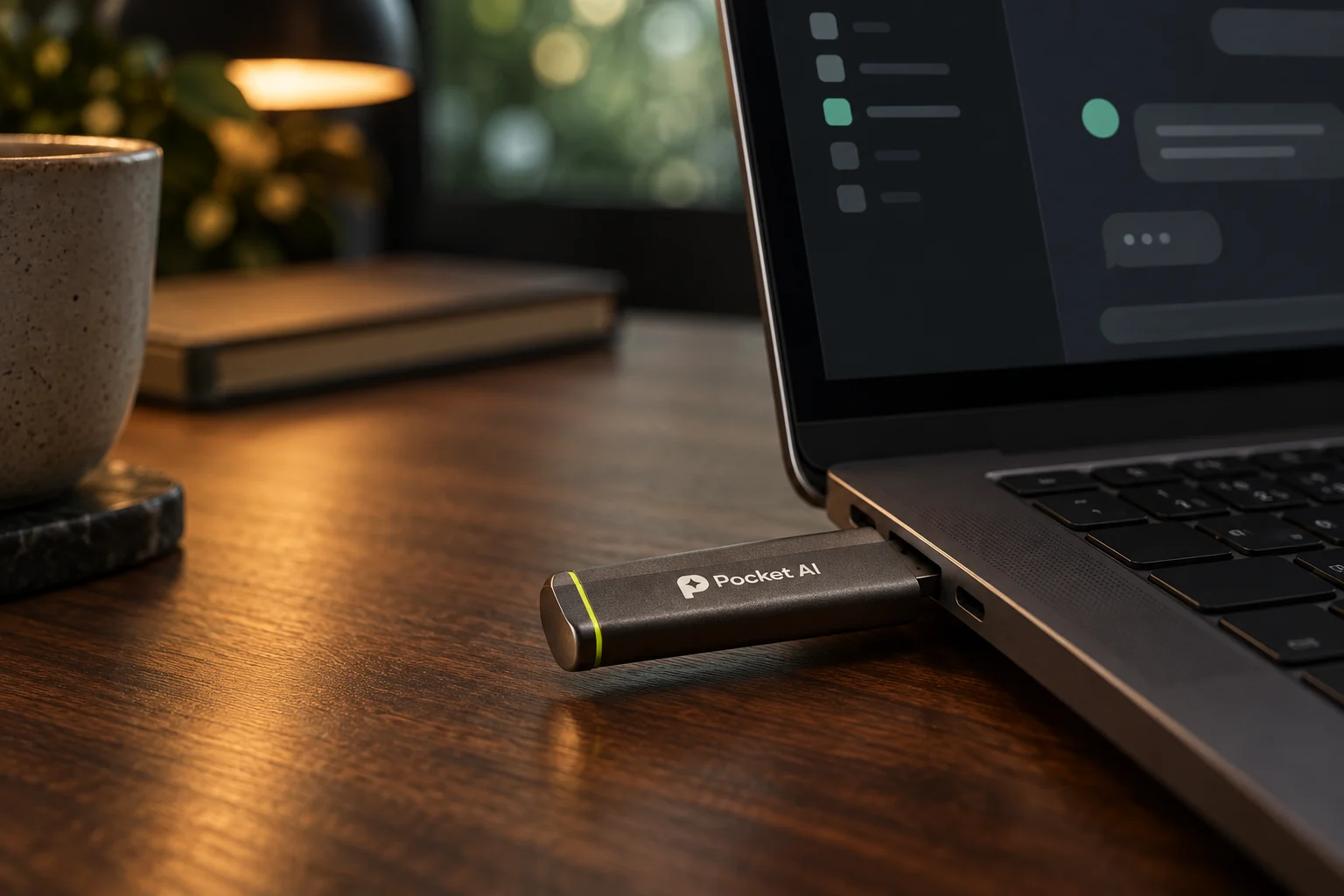
Open Start AI on the drive. Your private chat space opens in your browser. No installer or sign-up.
The computer supplies the power. The drive brings your assistant and saved history. Faster hardware gives your ideas more room to move.
Keep your conversations on the drive, or choose a session held only in memory. Stop your AI, safely eject, and you’re ready to go.
Start with everyday help. Add a voice. Open up a whole creative toolkit. There’s a Pocket AI for the way you work.
Write a difficult email. Untangle a thought. Plan something worth doing. A private thinking partner, whenever you need one.
Help me find the right words.
Let’s make them sound like you.Talk hands-free. Hear your answers. Interrupt with a new thought and keep going. Pick a preloaded voice, or create your own in Studio.
Create an image right in chat. Attach a photo and change it. Let your assistant shape the prompt, or write every word yourself.
Bring documents and spreadsheets. Automatic document search finds the relevant passages; ask questions about your data in plain English.
See the bigger picture. Pro and Studio can understand uploaded images with a vision-capable assistant.
Go beyond the drive. Studio’s optional web search brings current sources into the conversation.
A clean, quiet place for your ideas. Pick an experience below for a little look inside.
Illustrative product walkthroughStart with the one thing you want someone to feel. We can turn that into an outline, then find the words together.
Your draft. Your plan. Your next big thing. Keep your AI close and your saved work with it.
Find your everyday carry Product concept imagery. Final hardware may vary.Three editions. One simple idea: your AI should belong to you.
Pay once. Bring it along.
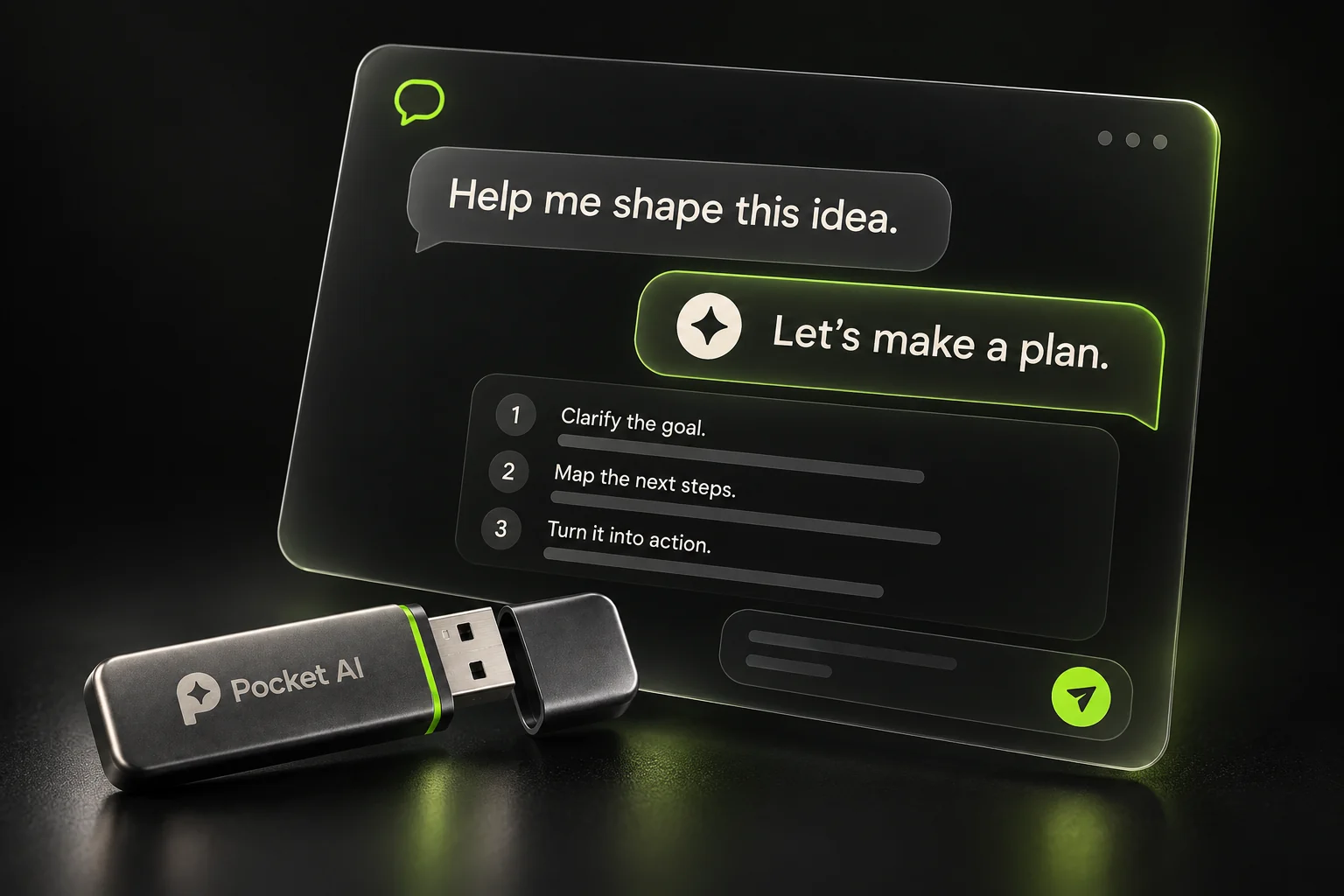
A little help. A lot of possibility.
Your private starting point.
YOUR OWN AI, READY TO GO
A thoughtful place to begin.
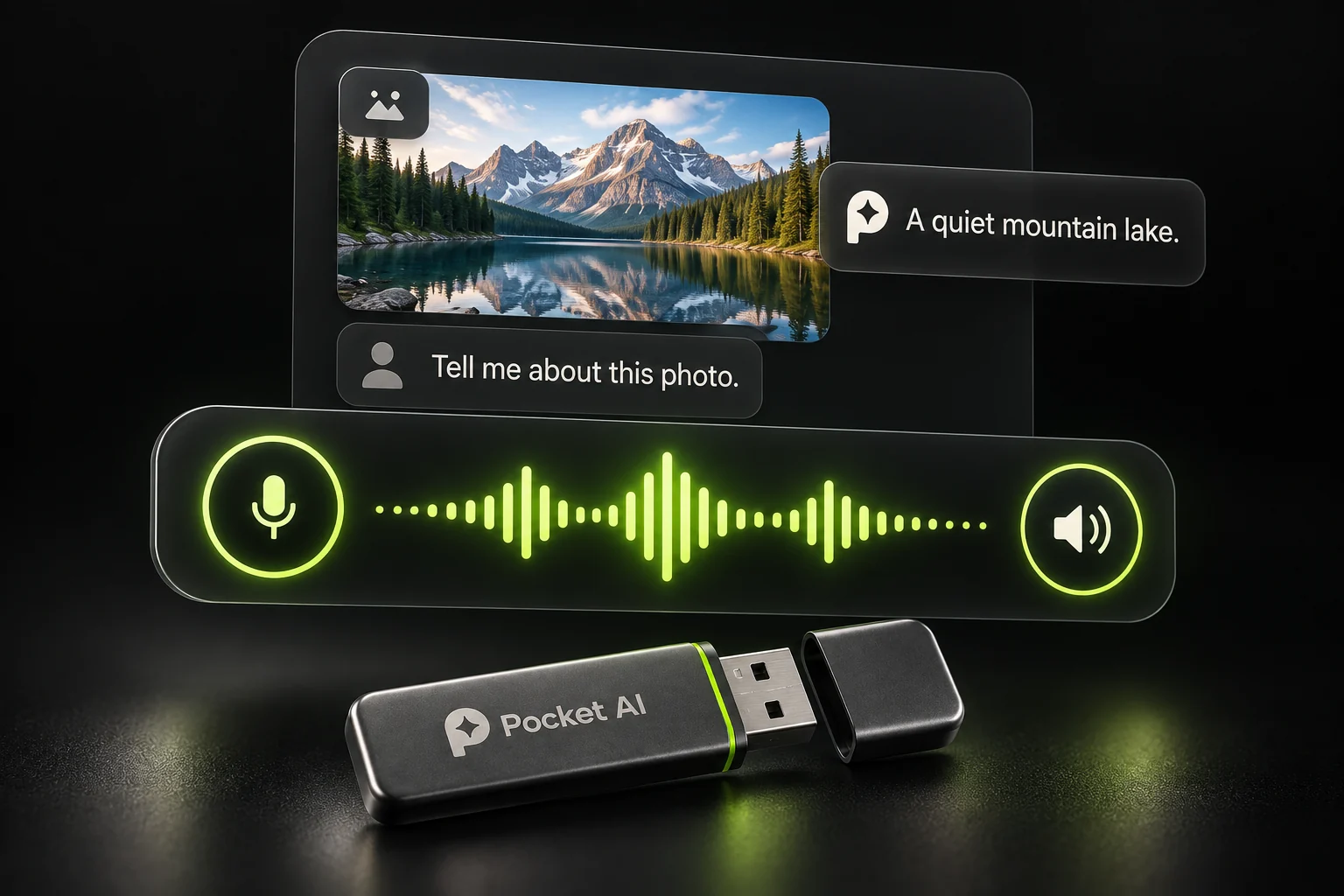
All the everyday help.
Now with a voice and a little vision.
EVERYTHING IN ESSENTIAL, PLUS
For ideas better said out loud.
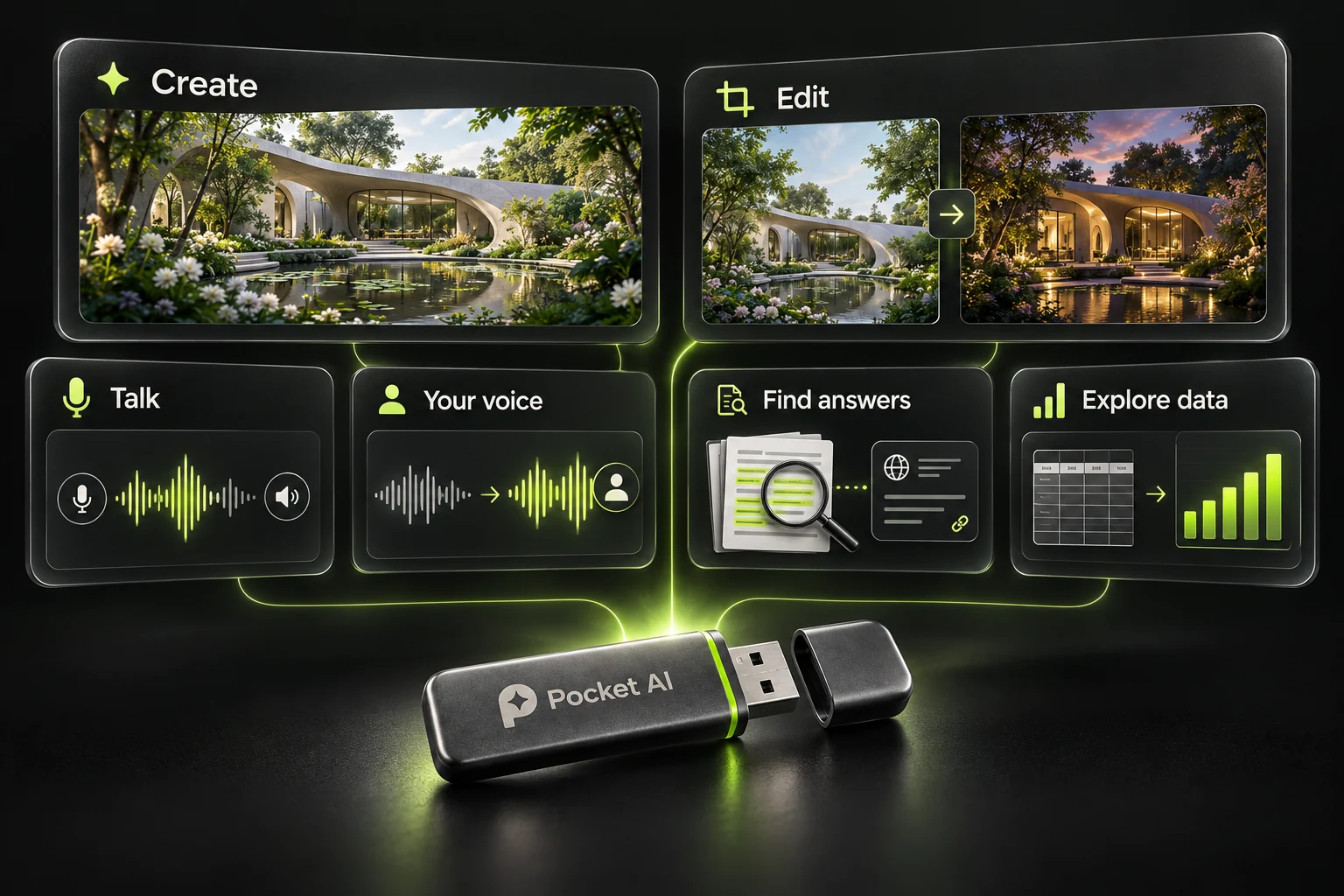
Bring your imagination.
And everything you’re working on.
EVERYTHING IN PRO, PLUS
Make more. Discover more. Carry it all.
USD · One-time launch prices · Shipping and taxes confirmed at launch.
Launch version: Windows 10/11, 64-bit. Performance depends on your computer. Studio image creation requires a compatible graphics card; web search requires internet.
Launch preview. Orders are not open yet. Planned regular prices are future reference prices, not a claim of previous sales.
| Your toolkit | Essential | Pro | Studio |
|---|---|---|---|
| Private offline chat | Included | Included | Included |
| Saved or memory-only history | Included | Included | Included |
| Voice conversations | — | Included | Included |
| Image understanding* | — | Included | Included |
| Custom voice creation | — | — | Included |
| Image generation & editing* | — | — | Included |
| Document & spreadsheet answers | — | — | Included |
| Optional web search* | — | — | Included |
*Image understanding needs a supported assistant. Image creation needs compatible graphics hardware. Web search needs internet.
A USB drive prepared with your Pocket AI edition: the assistant, interface, and local assets it needs. Your computer does the processing. The drive holds your saved work. The hardware shown here is a design concept; final hardware and fulfillment details will be confirmed before orders open.
Core conversations and the included local tools work offline. Studio’s optional web research connects to the internet when you enable it. Searches can include details from your question or attached files, so you decide when to turn it on.
The launch editions are built for Windows 10/11, 64-bit. Speed and available tools depend on the computer’s memory and graphics hardware. Studio’s image generation and editing require a compatible graphics card. Final hardware requirements will be listed before checkout opens.
Yes. Turn saving on to keep your history on the drive. Turn it off for a fresh session held only in memory. That session disappears when you stop AI; previously saved chats remain on the drive. Use Stop AI and safely eject before unplugging.
No subscription is needed for the included local tools, and there’s no cloud account to create. Your own computer runs the AI. Optional web research is a separate choice in Studio.
The preview shows launch prices of $59, $99, and $199: 50% below proposed regular prices of $118, $198, and $398. The displayed three-day promotion window repeats automatically. Its reset does not mean the discount has permanently ended. These are planned launch prices; this preview does not accept orders.
Private. Portable. Yours.